SlivenAI logo

Remove background

No account needed. Finished photo has a watermark.

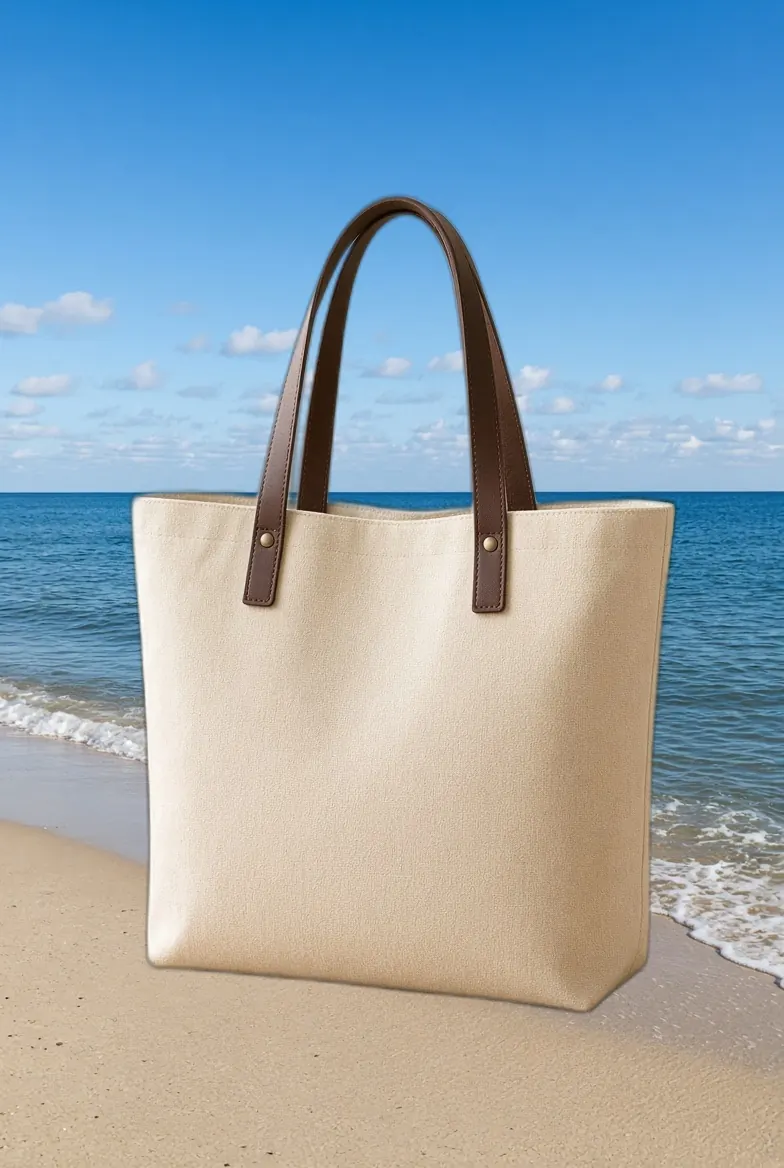
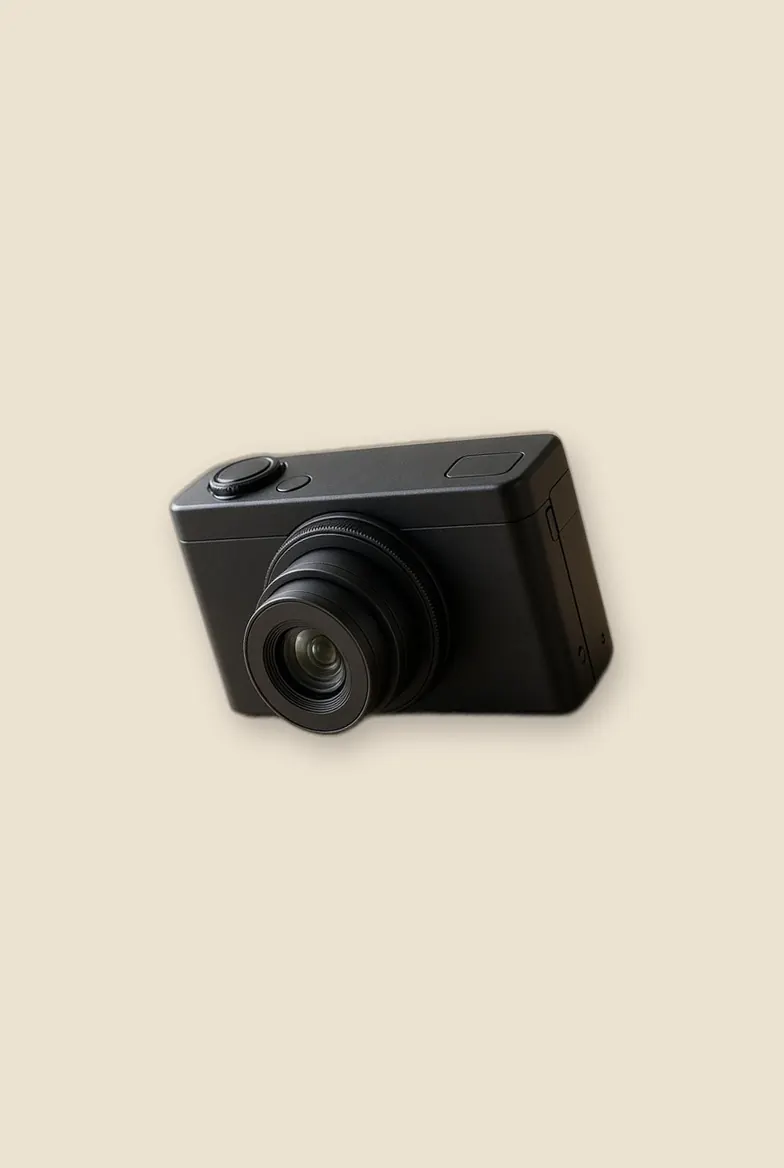
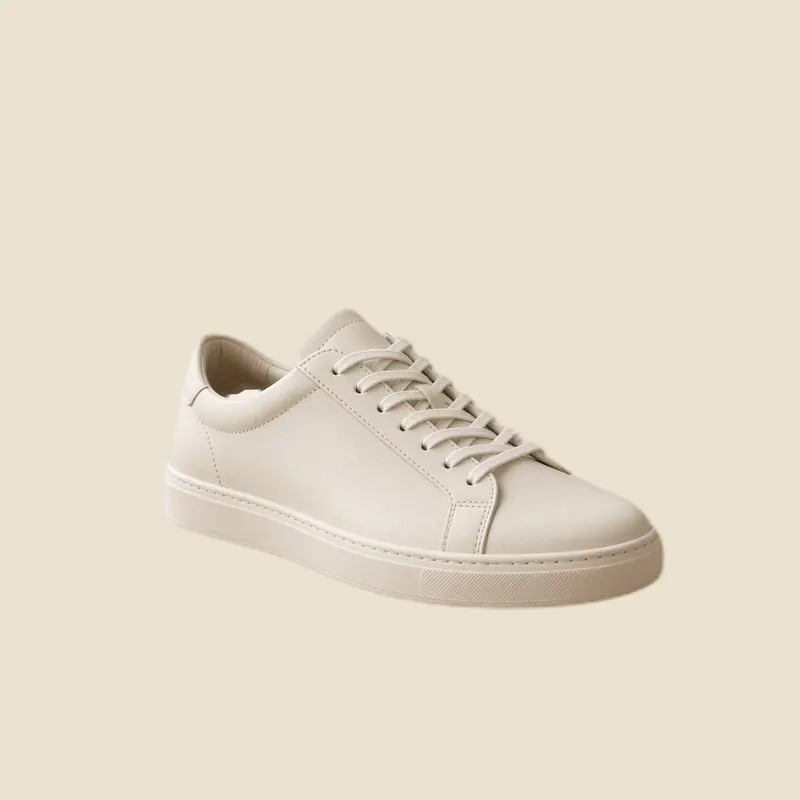
Catalog photos without a studio

Product photos, ready to upload to your online store and social networks.

Upload your product photo as it is. Then you choose:

  1. Remove the background of your photo.
  2. Add color, gradient, a ready-made scene, your own photo or a transparent background.
  3. Add a shadow and a reflection.
  4. Move, rotate and resize. Crop and add a frame.
  5. Fix the lighting.
  6. Add your text or your logo.
  7. Fix the cutout with the eraser.
  8. Choose a size for the store and download PNG or JPG.
  9. You can save to the gallery.
SceneJPG · PNG · WEBP · HEIC
Checking sign-in…

Remove, Add Background

Remove the background of your photo. Add color, gradient, a ready-made scene, your own photo or a transparent background.
Color: after processingColor: before processingBeforeColor
One solid color behind the product.
Gradient: after processingGradient: before processingBeforeGradient
Smooth transition between two colors.
Your photo: after processingYour photo: before processingBeforeYour photo
Your photo becomes the background.

Shadow, Reflection, Direction, Product Size

Add shadow and reflection to the product. Move, rotate and resize it. Crop and add a frame.
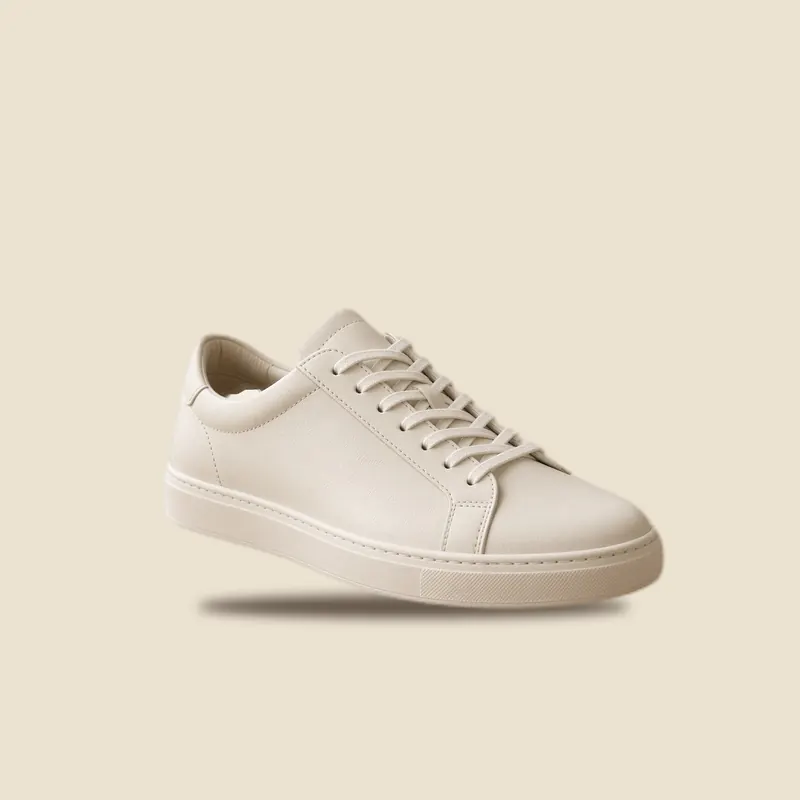
Shadow: after processingShadow: before processingBeforeShadow
You place a shadow under the product.
Direction: after processingDirection: before processingBeforeDirection
You rotate the product.
Size: after processingSize: before processingBeforeSize
You make the product larger in the frame.

Lighting, Text, Logo

Fix the lighting. Add your text or your logo.

Lighting: after processingLighting: before processingBeforeLighting
Fix the lighting.
Text: after processingText: before processingBeforeText
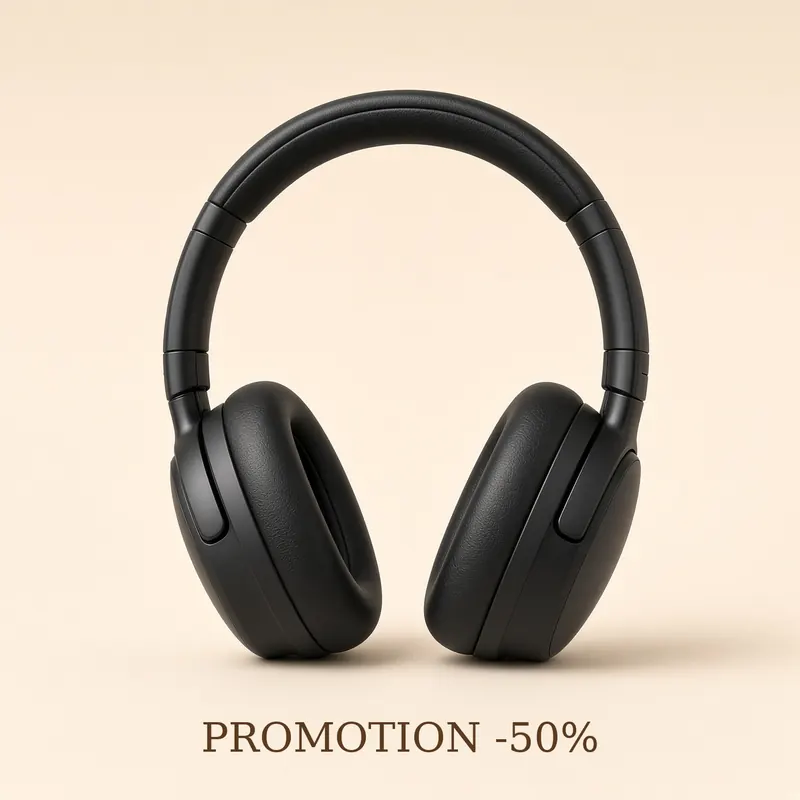
You add your text on the photo.
Logo: after processingLogo: before processingBeforeLogo
You place your logo on the photo.

Download in different photo sizes

Same product, but turned into a product photo ready for your online store

Amazon: beforeBefore
Amazon: afterAfter

Amazon

  • Pure white RGB 255, 255, 255.
  • The product occupies about 85% of the frame.
  • 500–10,000 px on the longest side. For zoom, Amazon prefers more than 1000 px on each side.
  • No text, logos or frames.
Learn more about Amazon photos →
Etsy: beforeBefore
Etsy: afterAfter

Etsy

  • At least 2000 px on the short side.
  • No white-background rule.
  • The first photo should be landscape or square, with enough margin around the product for thumbnail crops.
  • Up to 20 photos in the listing.
Learn more about Etsy photos →
TikTok Shop: beforeBefore
TikTok Shop: afterAfter

TikTok Shop

  • Square 1:1, minimum 600×600 px. Ratios from 3:4 to 4:3 are also accepted.
  • For the main photo, a high-quality background is preferred, ideally white.
  • Up to 9 photos (JPG or PNG, up to 10 MB). At least 5 angles are recommended.
  • No text, logos or watermarks.
Learn more about TikTok Shop photos →
eBay: beforeBefore
eBay: afterAfter

eBay

  • Minimum 500 px, around 1600 px for enlargement.
  • Light background is enough. Pure white is not required.
  • The product is whole, with more space around it.
  • Up to 24 photos in the listing.
Learn more about eBay photos →
Shopify: beforeBefore
Shopify: afterAfter

Shopify

  • No strict rules like Amazon.
  • 2048×2048 px looks best.
  • The store theme decides the cropping.
  • Uniform style for the whole catalog.
Learn more about Shopify photos →

Pricing

Free: 10 photos per month. Paid plans unlock after sign-in. No card needed for the free plan.

Plan

Free

$0

per month

  • 10 photos per month
  • All controls
  • Sizes for marketplaces
  • PNG and JPG

After sign in

Recommended

Studio

$7

per month

  • 50 photos per month
  • All controls
  • HD quality
  • Personal gallery
  • Help from us

Plan

Business

$19

per month

  • 250 photos per month
  • All controls
  • HD quality
  • Personal gallery
  • Help from us every day
  • Batch processing
  • Priority under load

Payments are starting soon. Sign up and we will write only then.

By paying you accept the Terms and the Privacy Policy.

Frequently asked questions

Briefly about the photos, account and payment.

How many photos do I get?
Free: 10 photos per month. Studio: $7/month for 50 photos. Business: $19/month for 250 photos.
What counts as one photo?
Each background removal is one photo. The upload itself is not counted. Afterwards you can change the background, shadow and size and download the file as many times as you want — it is not counted again. With several photos at once each is counted separately.
If the processing fails?
Your count is returned automatically.
When does the limit reset?
On the “Free” plan — one month after the start. On “Studio” and “Business” the counter resets with each paid monthly invoice from Stripe, according to the subscription period. Changing the plan mid-period does not reset it.
Do I need an account?
You can try without registration up to 3 tries in 24 hours, with a watermark. The demo photo is not saved. To download without a watermark and for the free 10 photos per month you need an account. No card required.
What files can I upload?
Photos JPG, PNG, WEBP and HEIC up to 25 MB. Larger phone photos are automatically reduced before processing. If the file doesn't work, it says why.
How do I cancel the subscription?
In your account, on a paid plan, there is a “Manage subscription” button. It opens the Stripe portal: you cancel the subscription at the end of the period, change the card and see the invoices. If the button doesn’t work, write to info@slivenai.com and we will help. After cancellation the account returns to the free plan.
Are refunds given?
Yes. Within 14 days of payment we refund the full amount if you have not used the paid photos. Write to us at info@slivenai.com.